
Capture
Choose the frame, then send it
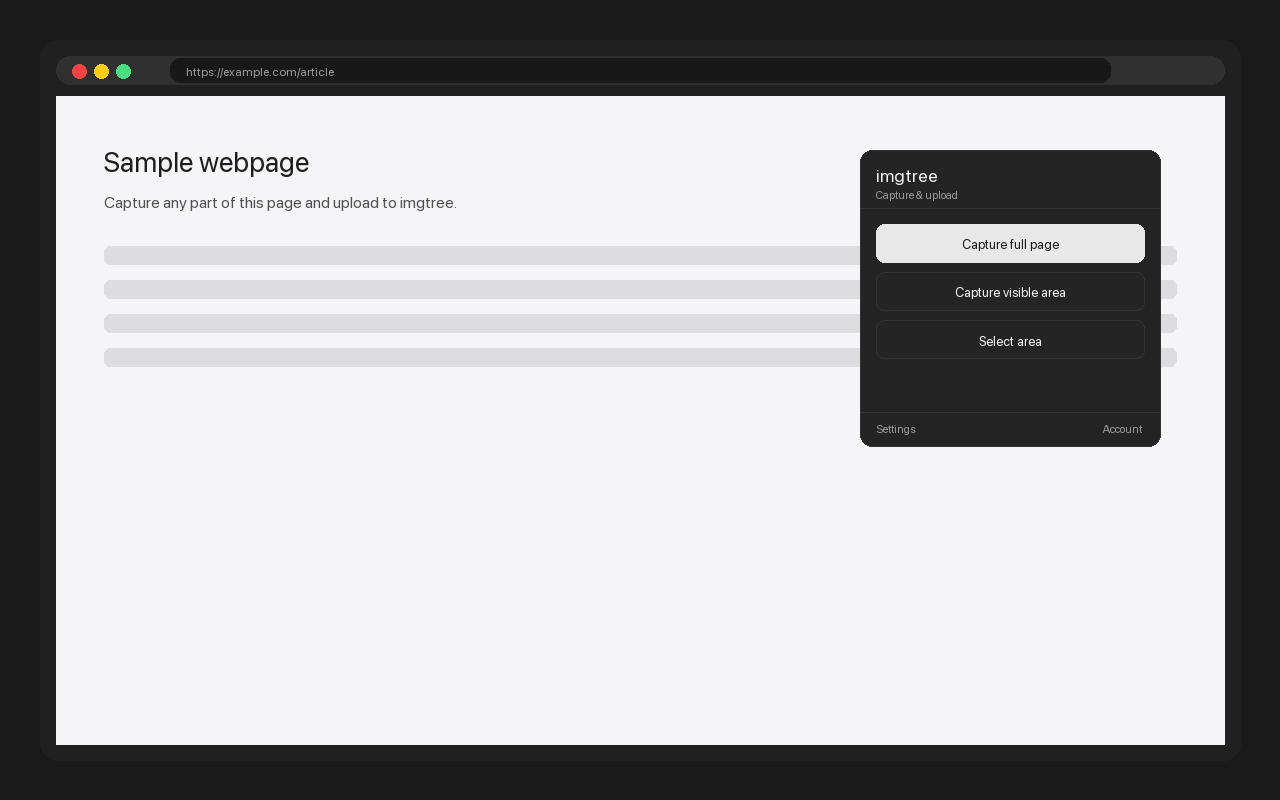
Open the toolbar popup or right-click a page, then choose the part that matters: the whole page, what is visible, or a deliberate rectangle. The capture goes straight to an imgtree URL.
- Full page — stitch the document into one PNG
- Visible area — capture the viewport in one step
- Select area — draw the exact frame you need
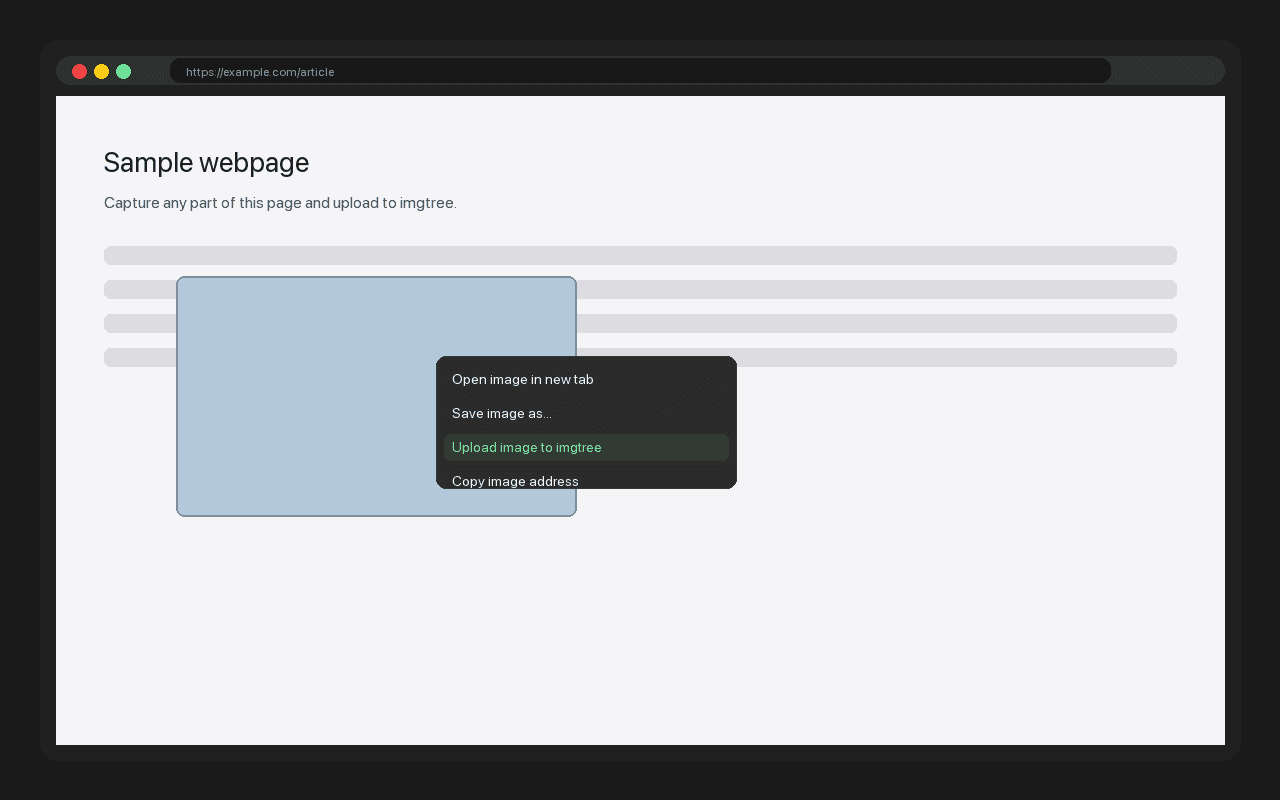
- Right-click an existing image to upload it directly
Sharing
The link is the handoff
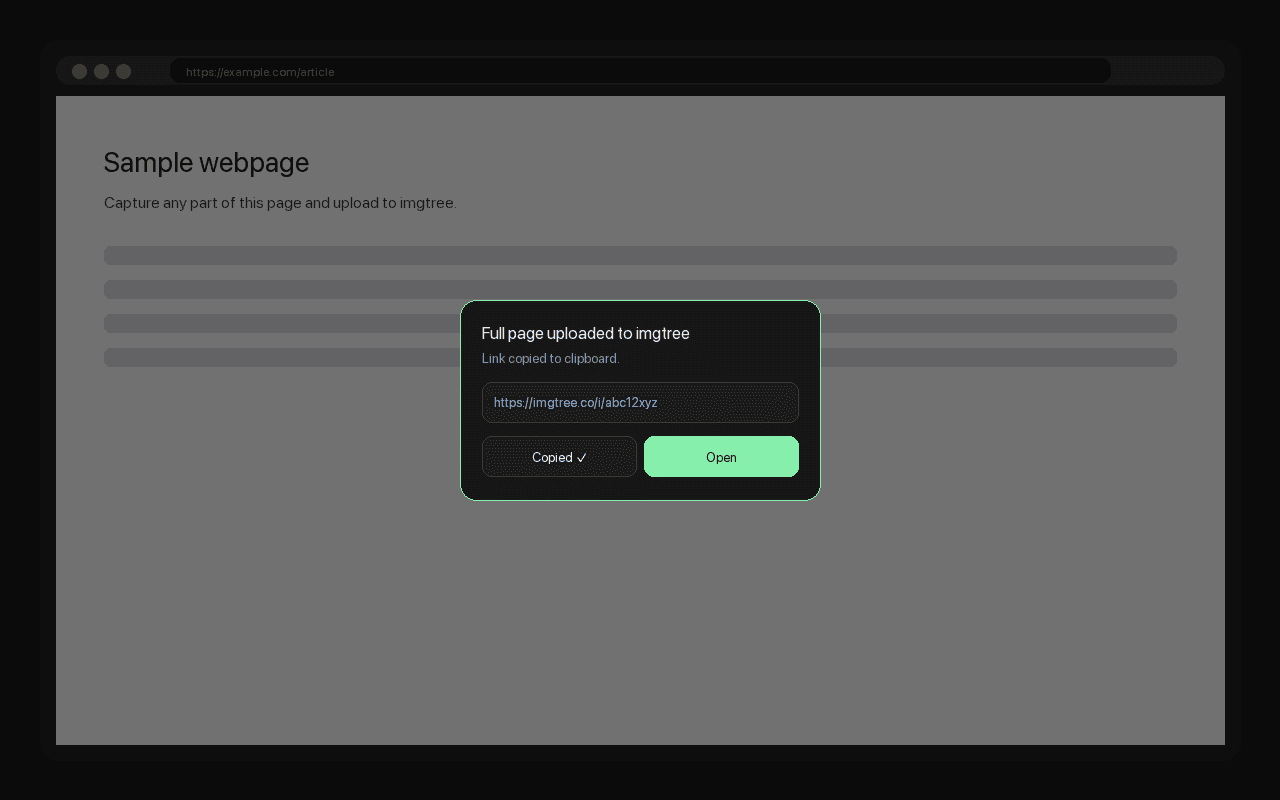
A successful upload copies the imgtree URL automatically. The status card keeps the finished link nearby if you need to copy it again or open the image page.
Paste the link where the conversation is happening. The image page keeps BBCode, Markdown, and HTML formats within reach when a plain URL is not enough.
Accounts
Stay a guest, or keep a library
The extension works as a guest from the first click. Add an imgtree API key in its settings when you want captures to arrive in your account library instead.
- Guest — no sign-in required
- Account — a Bearer key from your API settings
- Self-hosted — an optional custom imgtree URL
Shortcuts
Keep your hands on the keyboard
Use the capture mode you need without opening the toolbar popup:
- Alt+Shift+F — full page capture
- Alt+Shift+V — visible area capture
- Alt+Shift+S — select area capture
Privacy
It sees the tab you choose
The extension uses activeTab permission: it only accesses the page you actively capture. It does not read your other tabs or browsing history.
Uploads go only to the imgtree site you configure. The extension does not collect telemetry; service data follows the Privacy Policy.
Install
Install, then forget the saving step
Install from the Chrome Web Store in one click. The extension is free and works in Chrome and other Chromium browsers that support the store.